How do you install a LiFiMAX system?
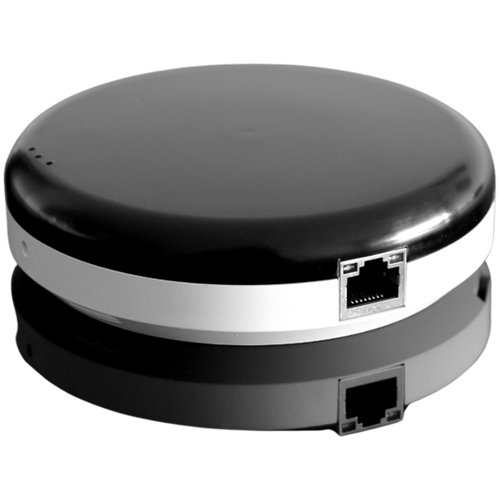
Actually, it is not difficult to install a LiFiMAX system. I would even say say it’s pretty straightforward if you follow our step by step guide. Let me explain.
One of the most popular plug-and-play LiFi solutions available is the LiFiMAX system. Setting it up is straightforward and doesn't require a networking degree. Over the last 7 years, there has been quite a few versions of LiFiMAX being released commercially. For this article, we will be referring to the LiFiMAX Compact version. This LiFi system usually comes with one LiFi access point, 1 USB LiFi dongle (USB client) and a PoE injector.
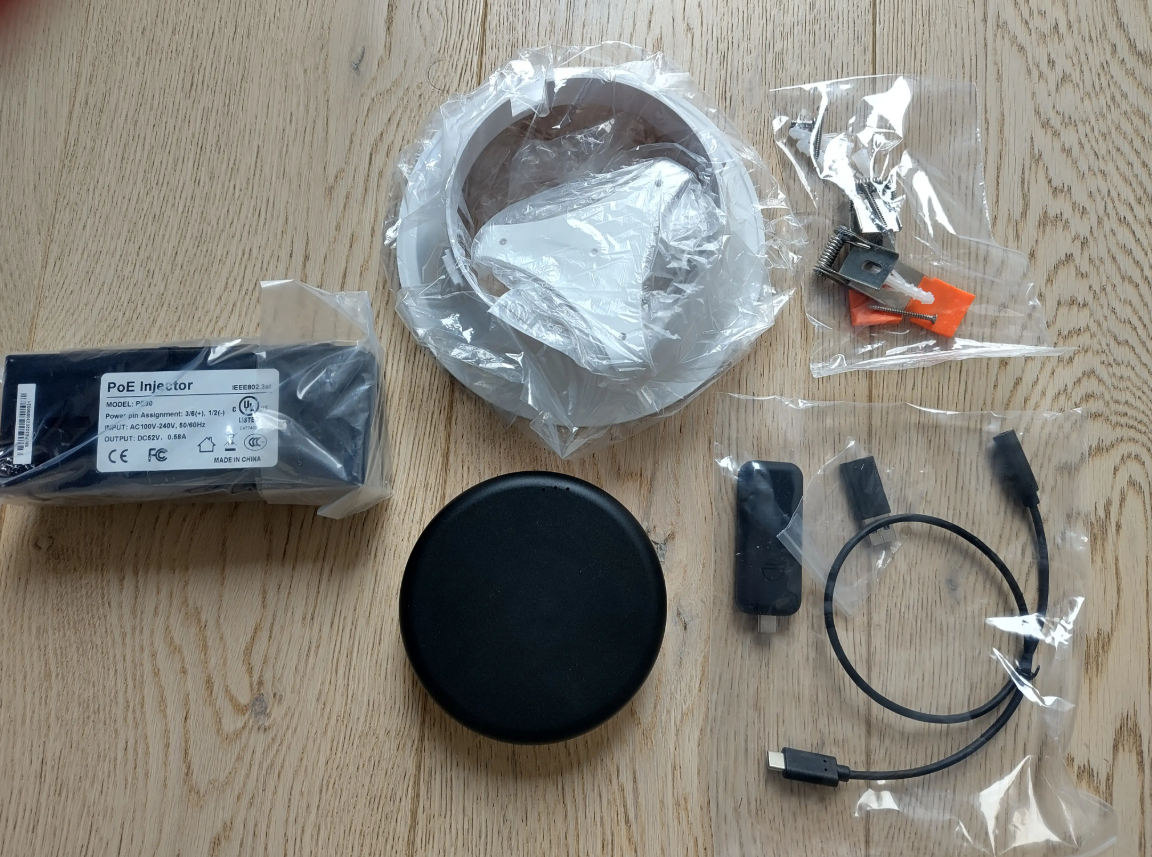
Credit to Esmog - LiFiMAX Compact Box Contents
Installation Guide
This installation guide has been written in the context of installing a LiFiMAX Compact system in a residential room or office room. Follow the following steps to get your optical network up and running:
Step 1. Verify Your Internet Connection: Before installing new hardware, make sure your existing Internet signal is working perfectly. Check your router or modem to ensure you have an active, stable connection with no current outages or issues.
Step 2. Connect Router to the PoE Switch: Take one RJ45 Ethernet cable and plug it into an available LAN port on your primary router or modem. Plug the other end of that cable into one of the slots on your Power over Ethernet (PoE) switch device.
Step 3. Mount and Connect the Access Point: Using a second RJ45 cable, connect the PoE switch to your LiFiMAX Access Point. The PoE switch will deliver both data and power through this single cable.
Wait roughly 5 to 15 seconds for the Access Point to power up and initialize. Once active, ensure the Access Point is securely mounted overhead, either attached to the ceiling or placed on a suitable lamp stand holder, so its light cone can effectively cover your workspace.
Step 4. Plug in the LiFi USB Dongle: Take the LiFi USB dongle (also known as the USB client) and plug it into an available USB port on your desktop computer or laptop. Wait a few moments for your computer's operating system to confirm that the new hardware is plugged in and recognized.
Step 5. Position for Coverage: Place the LiFi dongle within the coverage proximity (the invisible light cone) of your ceiling-mounted Access Point. Wait for your computer to recognize and connect to the new network. In your computer's network settings, the LiFi connection will usually be displayed as a standard Ethernet network.
Step 6. Start Browsing: Once your computer confirms the connection, you are fully online. You can now start browsing the web, streaming, and working via invisible light from your LiFiMAX Compact system.
As you can see, installing a LiFi system should not be difficult. We will written more step by step installation guides of other relevant LiFi articles. Make sure to LiFi Tech News.
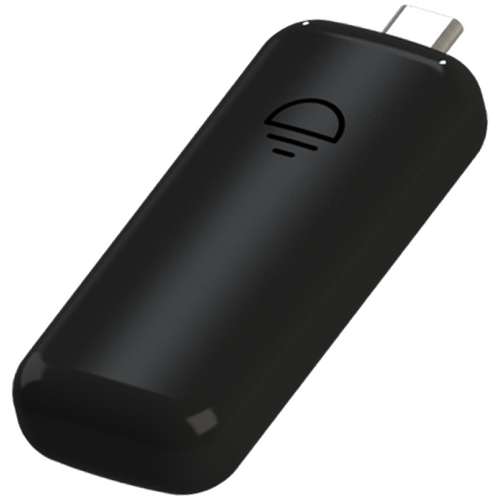
USB C LiFi Dongle